Who writes %MW1100? Tracing one address across every XG5000 version
Search an address or symbol once and see, version by version, where it is read and written in your XG5000 project, then jump to the rungs.
The value in %MW1100 is wrong, and you need to know who writes it. Searching the open project tells you where it is used today. It does not tell you that a second write appeared two versions ago, or which saved copy still had the old logic.
What Works does about it
AutoHano Works is a Windows app for LS ELECTRIC PLC projects; it is not an LS ELECTRIC product. It keeps every version of a project you add, as copies on your PC, and indexes the addresses and symbols in each one. One search then shows the history of an address across all versions:
- which versions use it
- how many times the latest version reads it (contacts) and writes it (coils), per program
- the versions where it first appears or where its use changed
From there, [View in ladder] opens the ladder showing only the rungs that contain it.
Step by step
1. Search
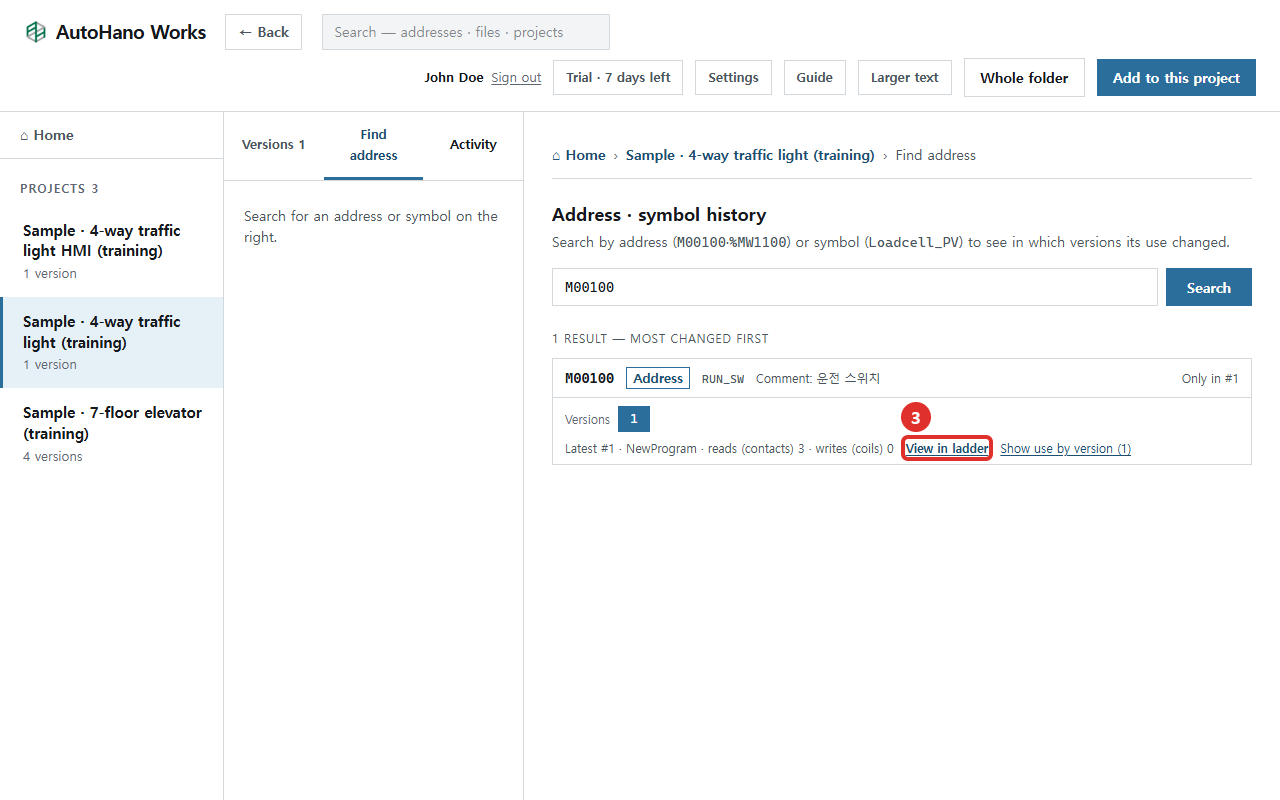
Type an address into the search box at the top and press Enter. Write it the way XG5000 shows it: P0001A or M00100 for XGK and XGB, %IX0.0.2 or %MX160 for XGI and XGR. The same box also finds symbol names and comment text, which helps when you remember the comment but not the device. Click the result.

To try it without your own files, type M00100, the run switch in the 4-way traffic light sample. Inside a project, the [Find address] tab takes an address or symbol directly and shows the same history for that project.
2. Read the history
The result card says which versions have the address, such as "In #1–#4 · use changed in 1 version", and gives the reads and writes in the latest version. The numbered boxes are versions; dark boxes mark the versions where the address first appears or its use changed. With several results, the most changed come first.
How reads and writes are counted:
- In ladder, contacts are reads and coils are writes.
- In ST, the left side of := is a write. Text inside comments is not counted.
- Contacts written with a symbol name, such as RUN_SW, are found too, so an address and its symbol end up in one result.
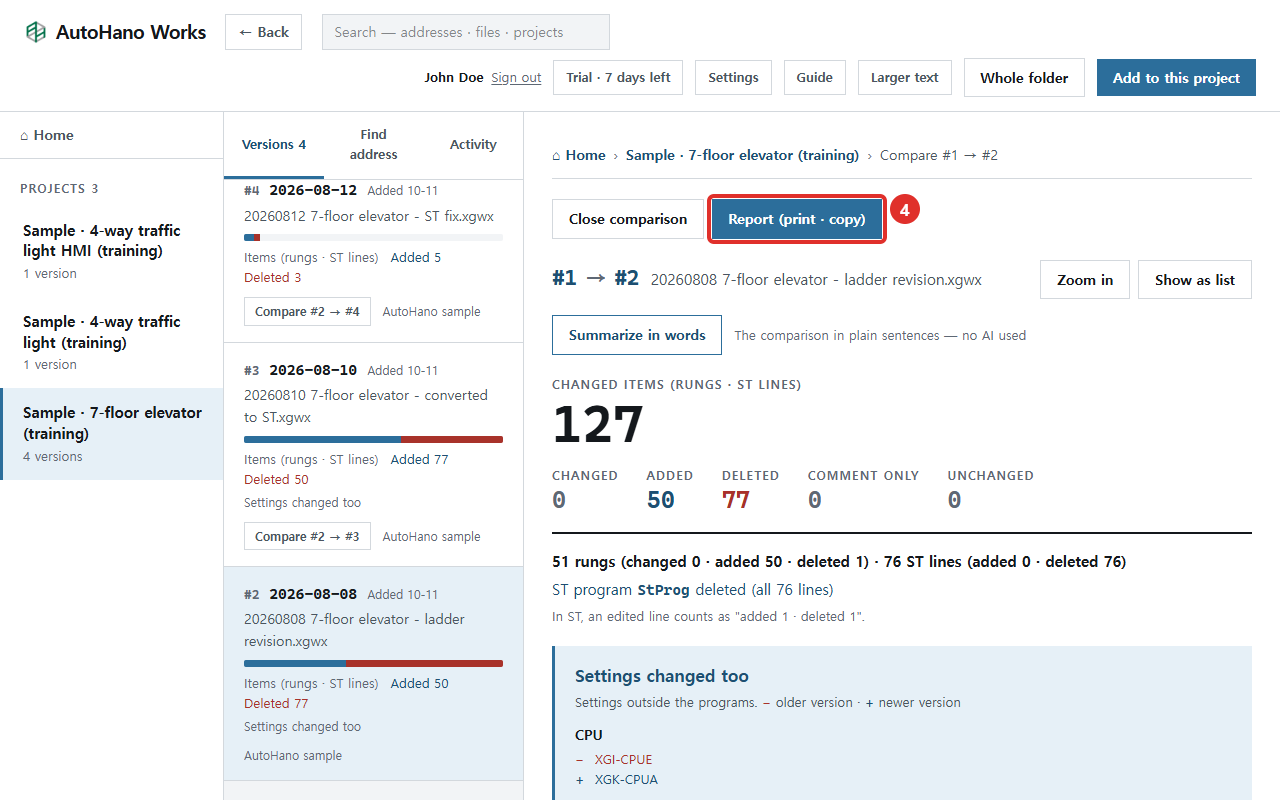
A dark box also points you to the comparison worth opening. If the write count went up in #5, comparing #4 → #5 shows the rung that changed it.
3. Jump to the rungs
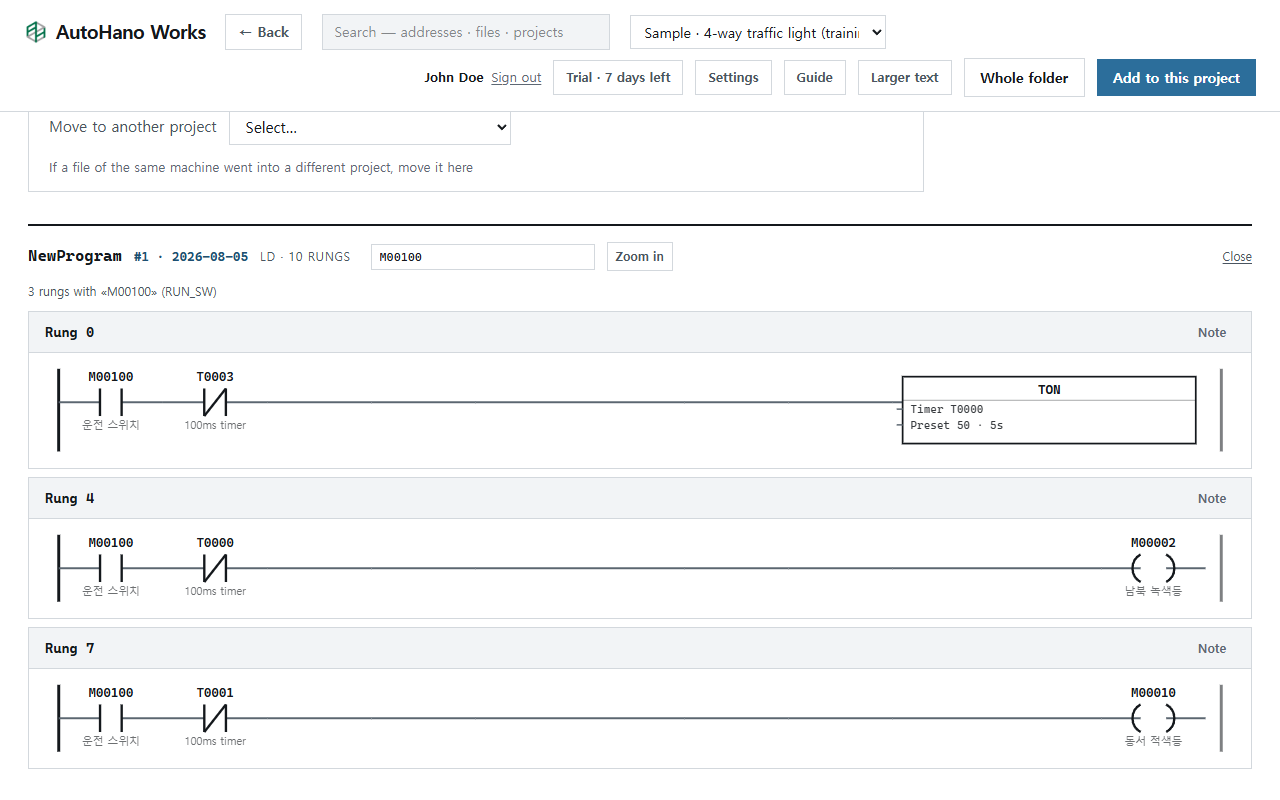
Click [View in ladder]. The ladder opens with the address in the box above it and only the rungs that contain it. Device comments from XG5000's variable/comment table are shown under contacts and coils, and XGK timers read like "Timer T0000 · Preset 50 · 5s". Clear the box to see the whole ladder again.
Asking an AI the same question
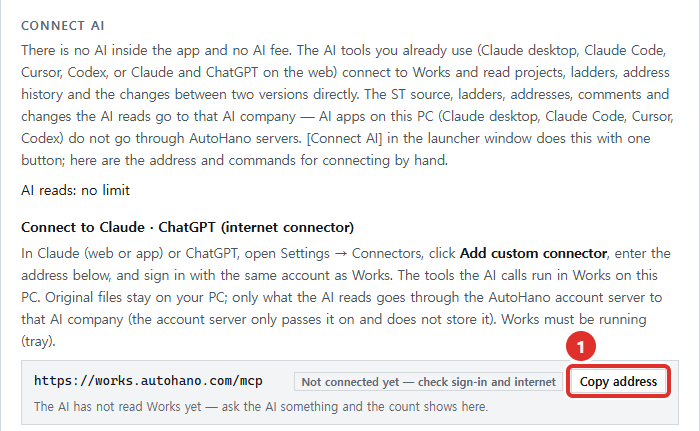
If you connect an AI tool to Works (Claude, ChatGPT, Claude Code, Codex or Cursor), it reads the same history as text, one line per version. An illustrative example in the tool's format:
%MW1100
  #2: not used (not in the code, or only in comments)
  #3: read 2 write 1 @ NewProgram  ← appears
  #4: read 2 write 1 @ NewProgram
  #5: read 2 write 2 @ NewProgram  ← usage changed
The AI then looks up the rung numbers with the ladder tool and answers "where is %MW1100 written, and since when?" with rungs you can check. If you are hunting a double write, the AI can also pull the variable table, which flags addresses written in more than one place. A SET/RST pair counts as two writes there, so look at the rungs before calling it a double coil.
Limits
- It reads files, not the running PLC. The counts say where the address is written in the program, not what value it holds. Works does not communicate with PLCs.
- The history matches exact addresses and symbols. If you only remember part of a comment, start from the search box at the top.
- System flags such as
_1ONare not indexed. - A mention in a comment is not a use. A version where the address appears only in comments counts as not used.
- It knows only the versions you add. A folder of dated backups, added with [Whole folder], is an easy way to fill in the past.
History, comparison, Find address and reports are on the Free plan, so this works without a paid plan and without any AI.
Try it
"Who writes this?" comes up during commissioning and during breakdowns. Here you ask it once across all versions and get rungs back. Type M00100 in the training sample first, then one of your own problem addresses.